To delete a dependent form
Important
Deletion of a dependent form is a one-click process.
Vendor Portal does not request deletion verification at this point.
If you delete a dependent form by accident, you must exit UI builder without saving changes to retrieve the deleted form.
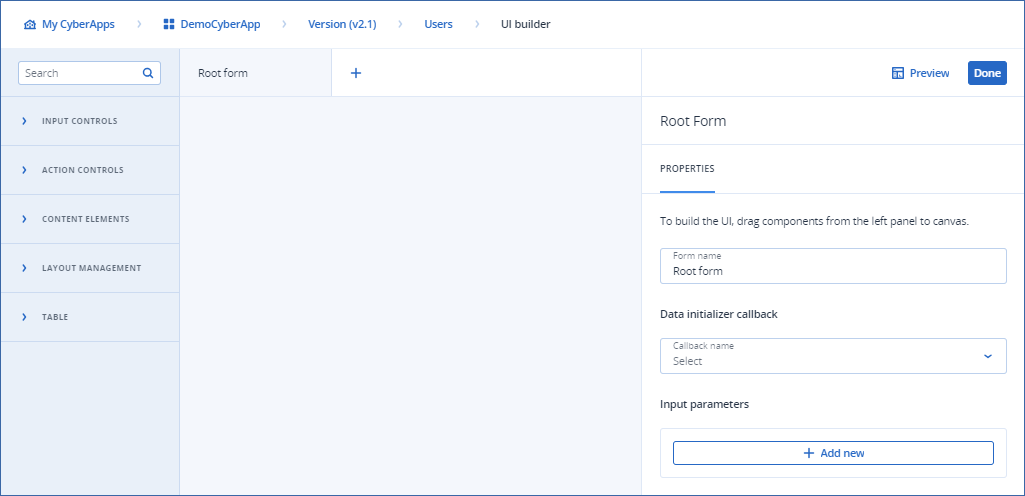
[If required] Open the custom integration settings tabs, main menu item or open pop-up workload action, then open the UI builder by clicking
 .
.
Click the dependent form tab
 in the Form group bar.